Уже доступно

macOS
Для Mac. Выберите версию для своего процессора.
macOS 12+ · 7-day trial
 WelaxxxEasier & Faster
 WELAXXX DOWNLOAD MANAGER
Удобное управление загрузками, точные миниатюры, медиаинструменты и встроенный браузер — всё в одной программе. Уже для Mac, другие платформы — в планах.
Для Mac. Выберите версию для своего процессора.
Версия WDM для Windows PC находится в разработке.
Поддержка Linux запланирована. Форматы пакетов будут подтверждены к запуску.
WDM 2.0
Крупное обновление с более цельным рабочим процессом, улучшенной интеграцией браузеров, восстановлением и современной нативной оболочкой.
Встроенный приватный браузер с кнопкой Capture для рабочих сценариев загрузки.
Отдельный процесс конвертации видео, аудио, изображений, документов и архивов.
Расширение Safari поставляется внутри WDM и включается в настройках Safari.
Реальные миниатюры имеют приоритет, а для файлов без миниатюры используется фирменное оформление.
Улучшены повторные попытки, возобновление и жизненный цикл заданий, чтобы старые ошибки и отменённые задания не возвращались сами.
WDM обновляет медиа-инструменты вне подписанного пакета приложения с защищённым откатом при ошибке.
Интеграция с браузерами
Поддержка Safari встроена в WDM. Chrome, Edge, Brave, Chromium и Firefox используют расширение WDM Companion для передачи поддерживаемых загрузок в настольное приложение.
Входит в WDM 2.0. Включите встроенное расширение в настройках расширений Safari.
Входит в WDMУстановите расширение WDM 2.0 для Chrome, Edge, Brave и совместимых браузеров Chromium.
Открыть инструкцию →Скачайте расширение WDM 2.0 для Firefox и следуйте актуальной инструкции по установке.
Открыть инструкцию →Установите отдельное расширение WDM для Opera, чтобы передавать поддерживаемые загрузки в приложение.
Инструкция по установке →WDM 2.0
WDM объединяет прямые загрузки, захват из браузера и медиа-инструменты, сохраняя понятный контроль папок, очередей, скорости, уведомлений и восстановления.
Демонстрация
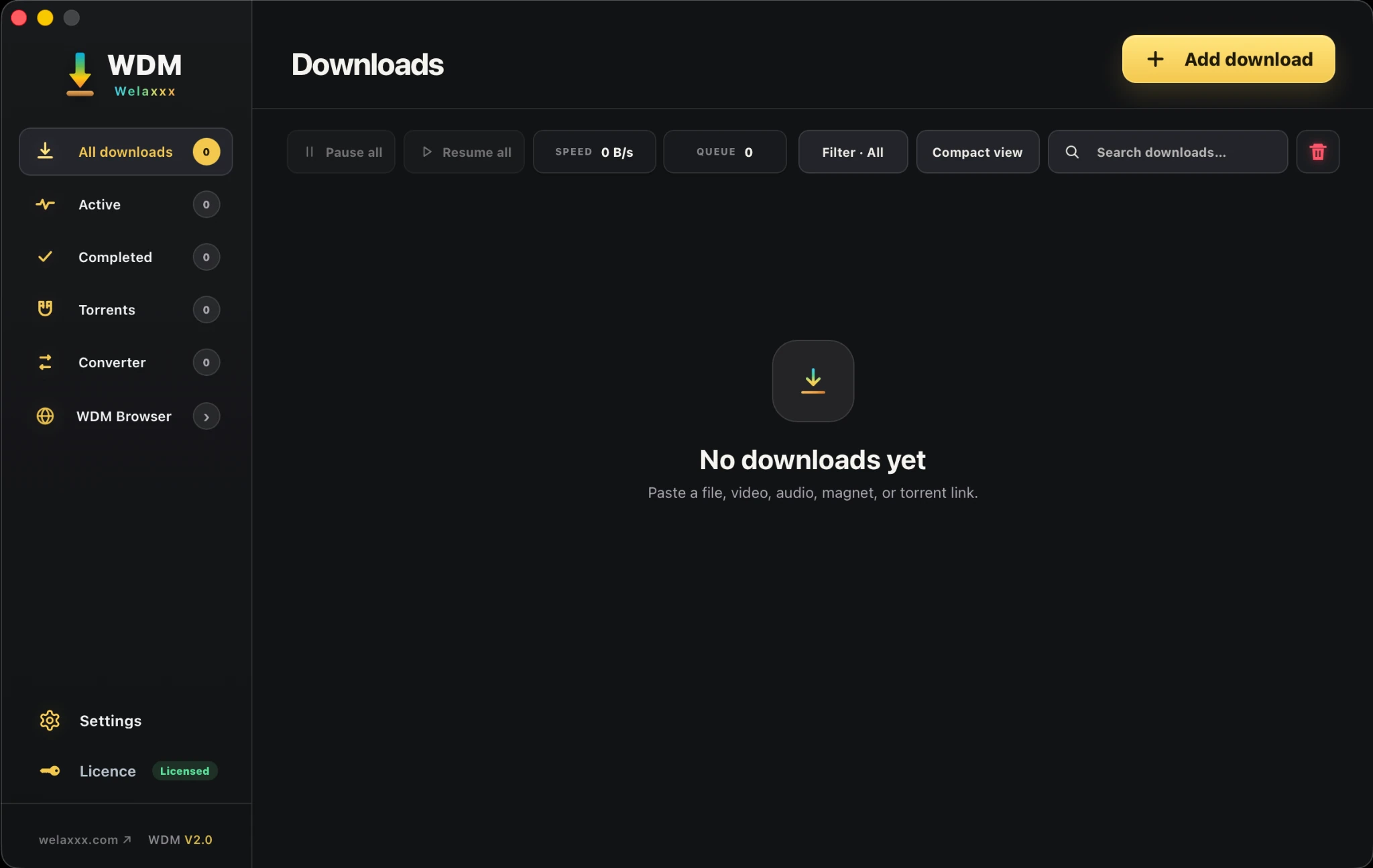
Видео показывает основные сценарии WDM. Некоторые элементы интерфейса относятся к предыдущему поколению; снимки ниже показывают актуальный WDM 2.0.
Скриншоты
Сначала показаны текущие экраны WDM 2.0, затем — полезные виды браузера и расширений, которые остаются частью продукта.
WDM
Все платные планы — бессрочные лицензии с разовой оплатой; будущие обновления и версии WDM включены без отдельной платы за обновление версии.
Безопасная оплата через Gumroad.
Безопасная оплата через Gumroad.
Безопасная оплата через Gumroad.
macOS
Выберите версию для вашего Mac. WDM поддерживает компьютеры на Apple Silicon и Intel.
Только разрешённое использование
Используйте WDM только для файлов и медиа, которые принадлежат вам, свободно доступны для загрузки или на скачивание которых у вас есть явное разрешение. Нельзя использовать WDM для обхода DRM, доступа к ограниченному контенту, нарушения авторских прав, правил сайтов или закона.

