Available now

macOS
Made for Mac. Choose the download that matches your processor.
macOS 12+ · 7-day trial
 WelaxxxEasier & Faster
 WELAXXX DOWNLOAD MANAGER
Smart downloads, real file previews, media tools and a built-in browser — all in one streamlined workspace. Available now for Mac, with more platforms on the way.
Made for Mac. Choose the download that matches your processor.
A native WDM experience for Windows PCs is on the way.
Desktop Linux support is on the roadmap. Packages will be confirmed at launch.
WDM 2.0
A major release focused on a more complete workflow, stronger browser integration, clearer recovery, and a polished native experience.
A private built-in browser with Capture controls for download workflows.
Convert video, audio, images, documents and archives with a dedicated workflow.
The Safari extension ships inside WDM and is enabled from Safari settings.
Real thumbnails take priority, with polished file artwork when no thumbnail exists.
Improved retry, resume and job lifecycle behavior keeps old failed or cancelled jobs from returning unexpectedly.
WDM can keep its media tools current outside the signed app bundle with protected update and rollback behavior.
Browser integration
Safari is built into WDM. Chrome, Edge, Brave, Firefox, and Opera use dedicated browser companions to hand supported downloads to the desktop app.
Included with WDM 2.0. Enable the bundled extension from Safari Extensions settings.
Included with WDMInstall the WDM 2.0 Chromium companion for Chrome, Edge, Brave and compatible Chromium browsers.
Open install guide →Download the WDM 2.0 Firefox companion and follow the current installation instructions.
Open install guide →Use the dedicated WDM 2.0 Opera companion to send supported downloads directly to WDM.
Open install guide →WDM 2.0
WDM combines direct downloads, browser capture and media workflows while keeping explicit user controls for folders, queues, speed, notifications and recovery.
Built to replace the patchwork
Use your normal browser, the built-in WDM Browser, Safari, Chromium or Firefox. Capture what you are allowed to download, choose how WDM handles it, follow real progress, recover from common transfer problems, convert when needed, and keep the result in the folder you chose.
Demo
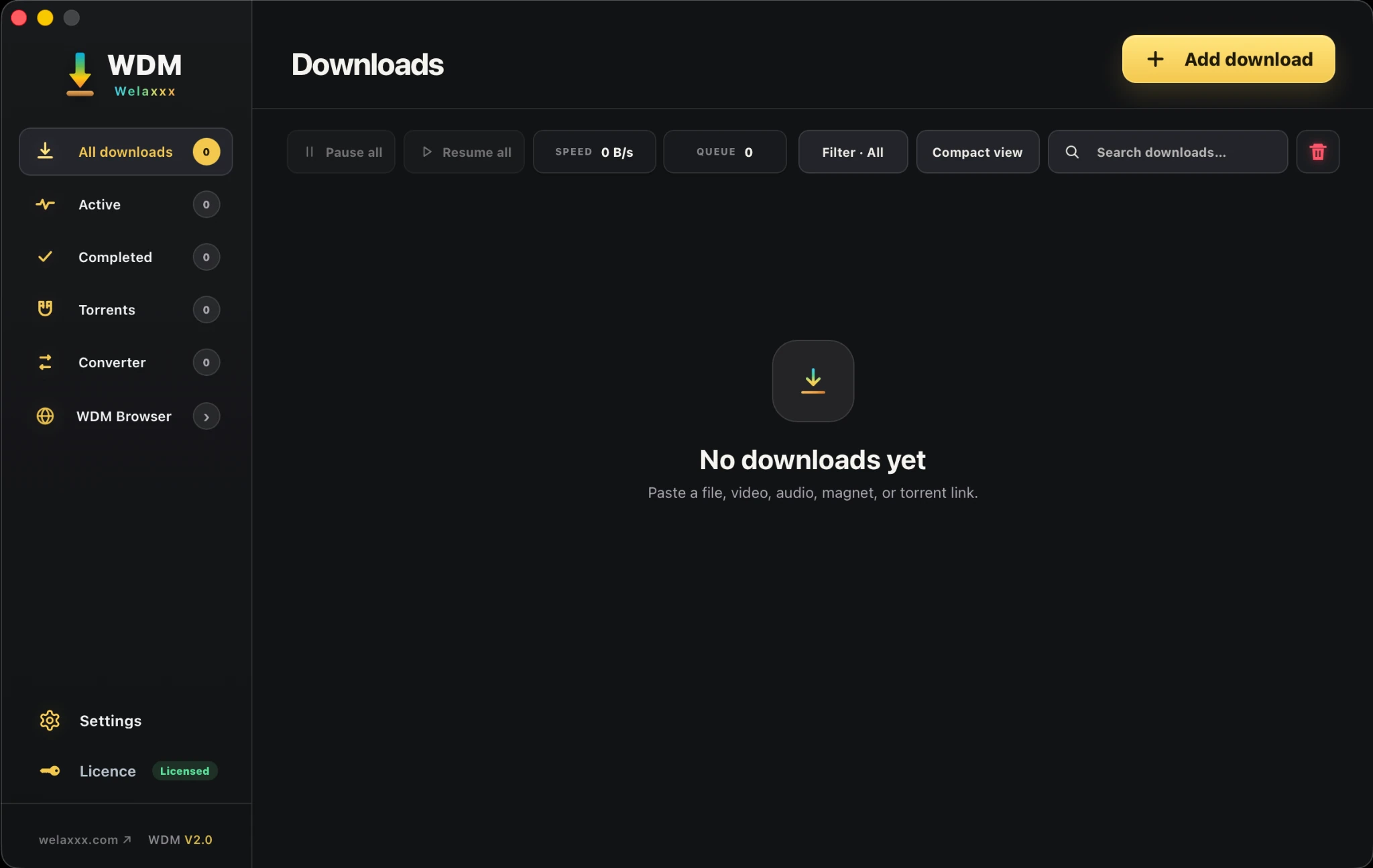
The demo shows core WDM workflows. Some interface details in the video come from the previous generation; the screenshots below show the current WDM 2.0.2 interface.
Screenshots
Current WDM 2.0.2 screens are shown first, followed by useful browser and extension views that remain part of the product.
WDM
All paid plans are one-time lifetime licenses and include future WDM updates and versions at no additional version-upgrade charge.
Secure checkout on Gumroad.
Secure checkout on Gumroad.
Secure checkout on Gumroad.
macOS
Choose the build that matches your Mac. WDM supports both Apple Silicon and Intel hardware.
Authorized use only
Use WDM only for files and media you own, that are freely downloadable, or that you have explicit authorization to download. WDM must not be used to bypass DRM, access restricted content, infringe copyright, violate a website’s terms, or break applicable law.

